
- Book tickets
Go to Eventfinda and find the event you wish to purchase tickets for.
Click on the 'BUY TICKETS' button.
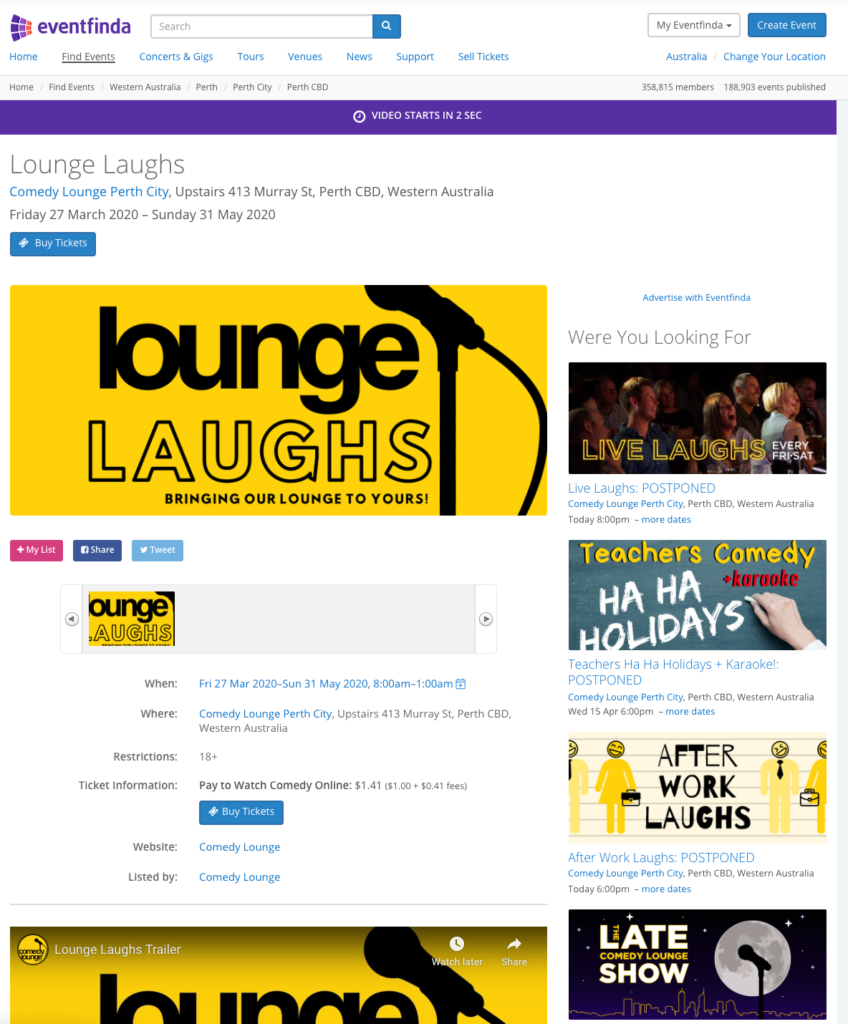
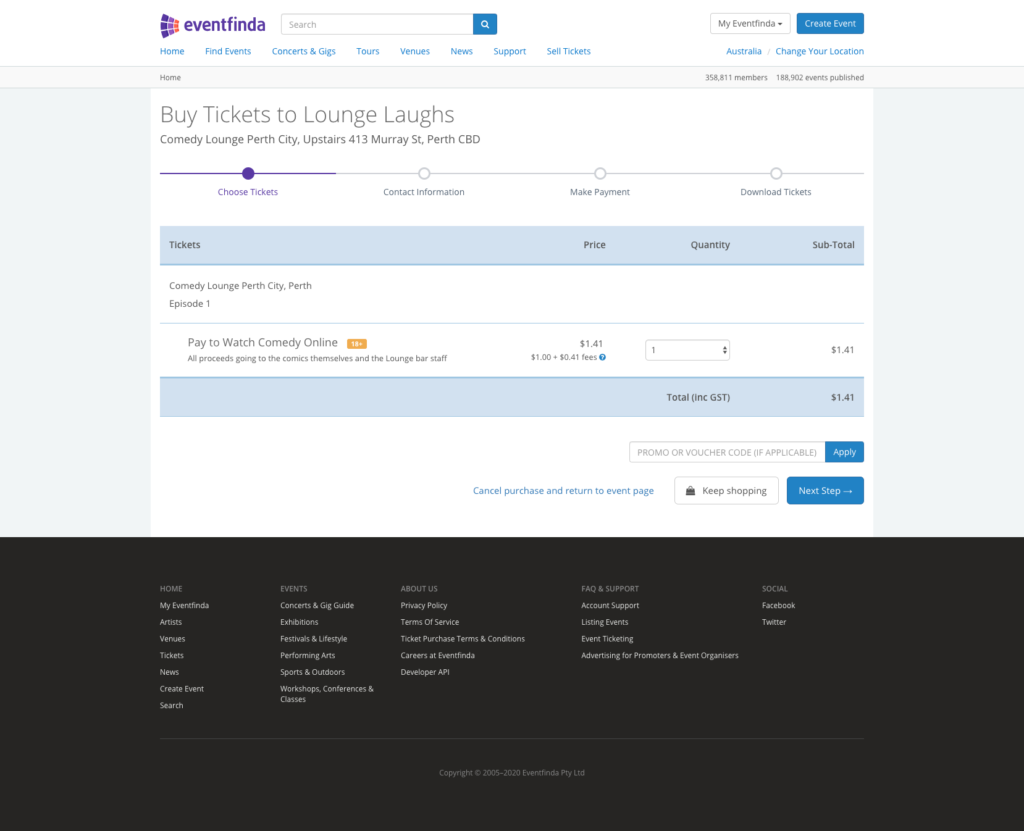
Select the number of tickets required.
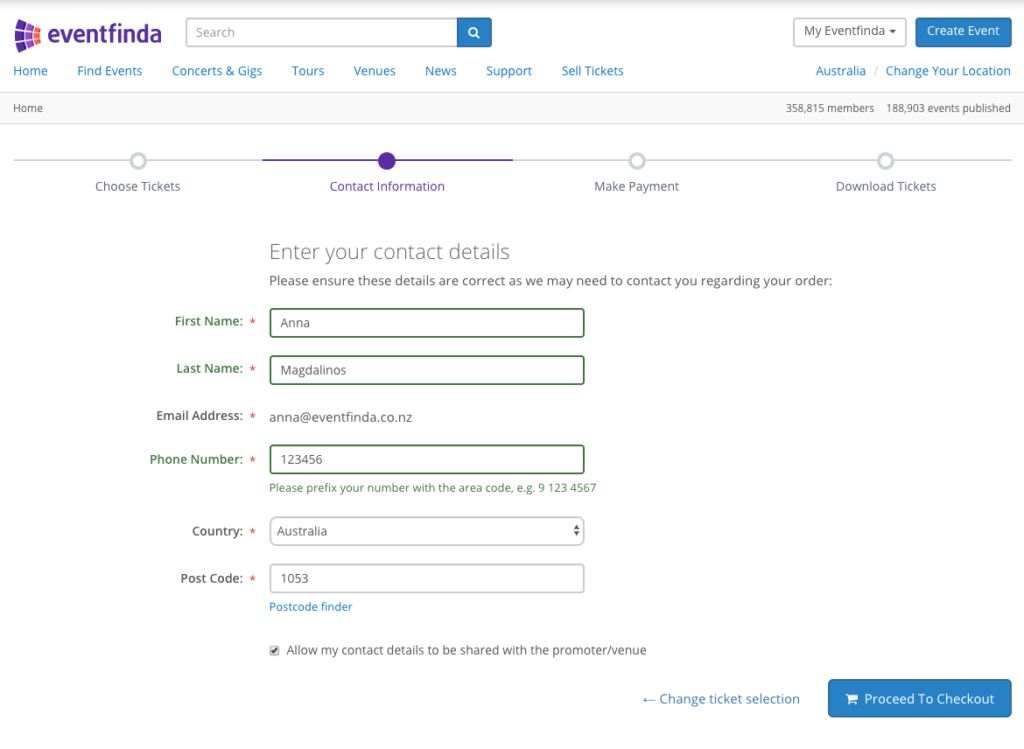
All ticketholders are required to add contact details, or if you already have an Eventfinda account, this information will automatically populate.
Ticketholder information is available to the event organiser 24/7, and is compliant with data protection legislation.
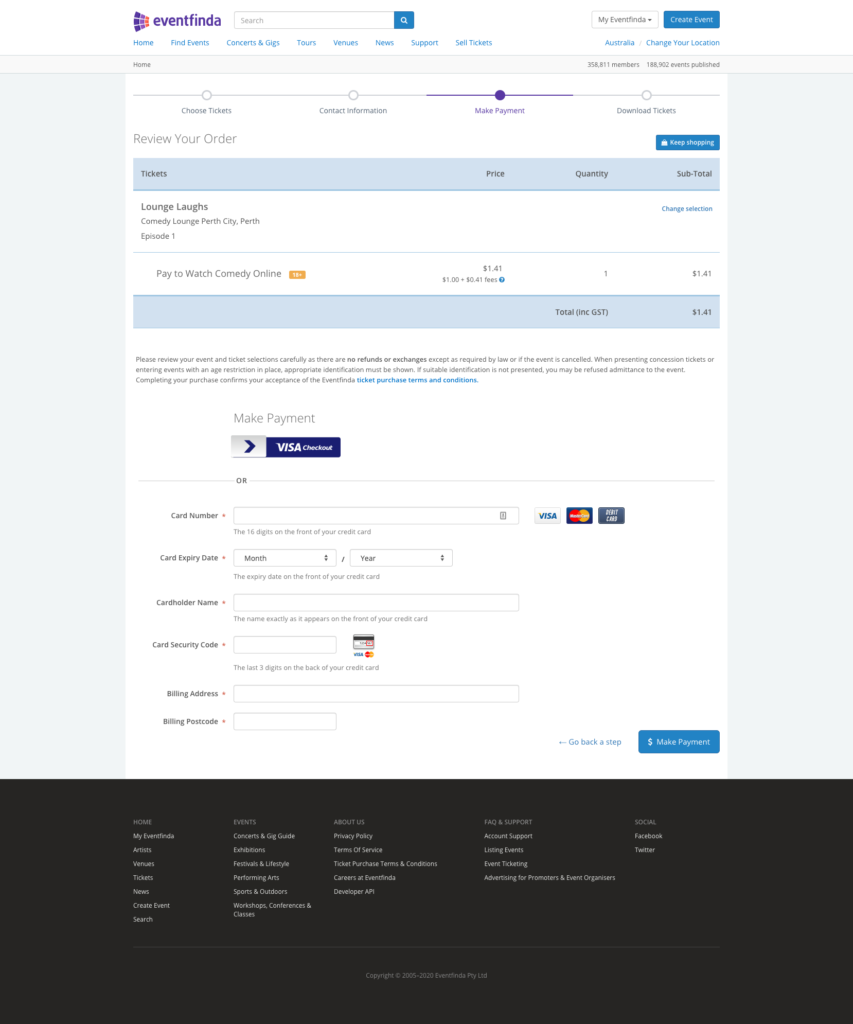
Make payment for the purchase with any debit or credit card.
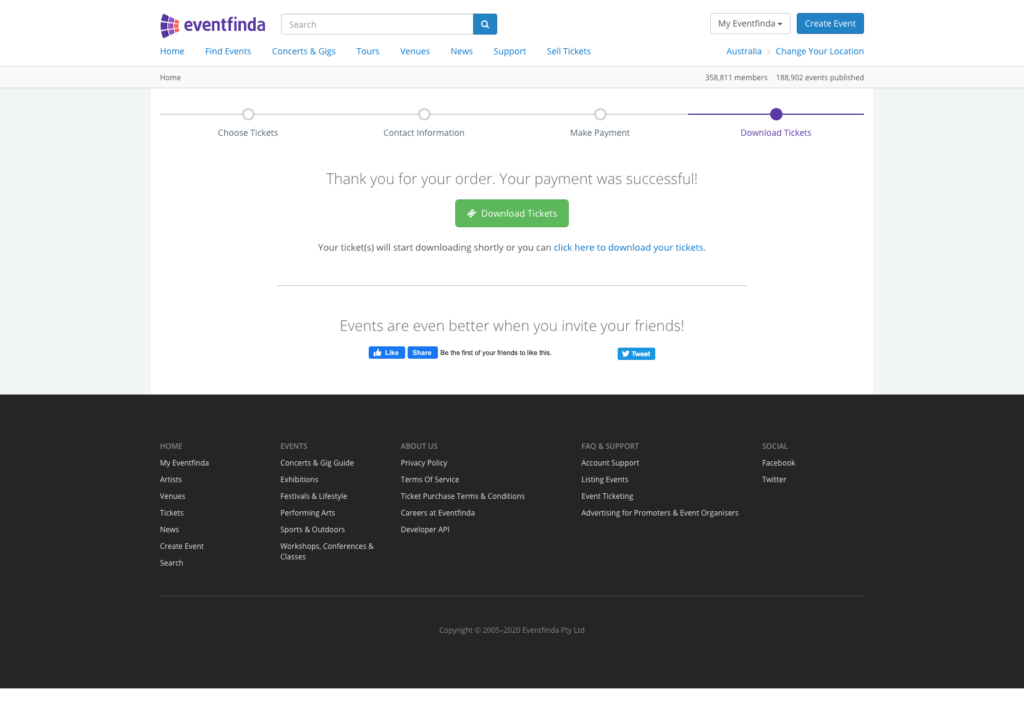
Purchase confirmation allows the ticketholder to download their tickets.
The ticket has all the information expected on a standard event ticket. The added information is on how to access the video content and a direct link to it on the ticket.

Ticketholders return to the event page they originally purchased from. When the content is available, the access bar at the top of the page will count down to the stream being open.
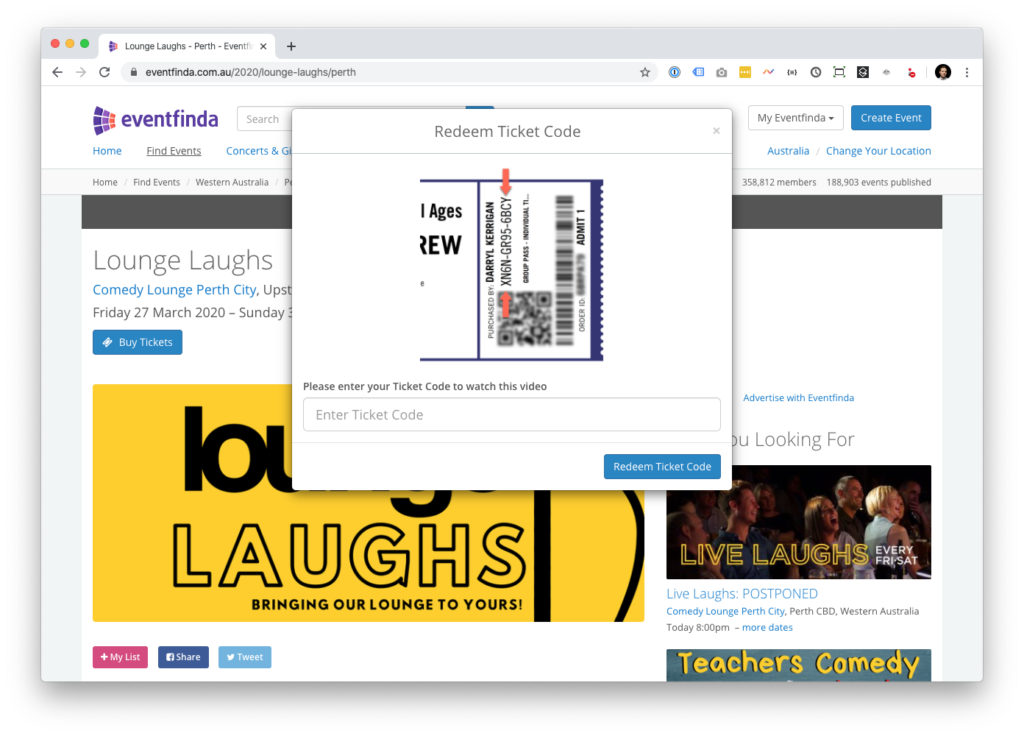
To access the stream the ticketholder enters their ticket code from the ticket they hold.
This code is checked back against the event database and if valid, access is granted to the stream.
Once access is granted, the event can be viewed. Depending on the event setup, access might be available to view once, or for a period of time.
Q: Can I watch the episode more than once?
A: Once you have purchased your ticket, you can view the content multiple times during the session window. This doesn’t allow purchasers to share the ticket code to others, as it is only accessible multiple times on up to 3 devices.
Q: Where do I find the link to view the virtual event?
A: After you purchase a ticket to one of the events, your tickets will be downloaded. Open the PDF. On your ticket, you will see a ‘Watch Video Now’ button. Copy and paste your ticket code in the access box on the event page.
Q: The access box is not appearing on the event page. When can I watch?
A: The ‘Watch Now’ banner will appear as soon as the session of the event is live. The date and time on your ticket will let you know when it is ready.
Q: What’s my ticket code?
A: Your ticket code will be found when you download your ticket. It is the series of numbers and letters in the format XXXX-XXXX-XXXX.